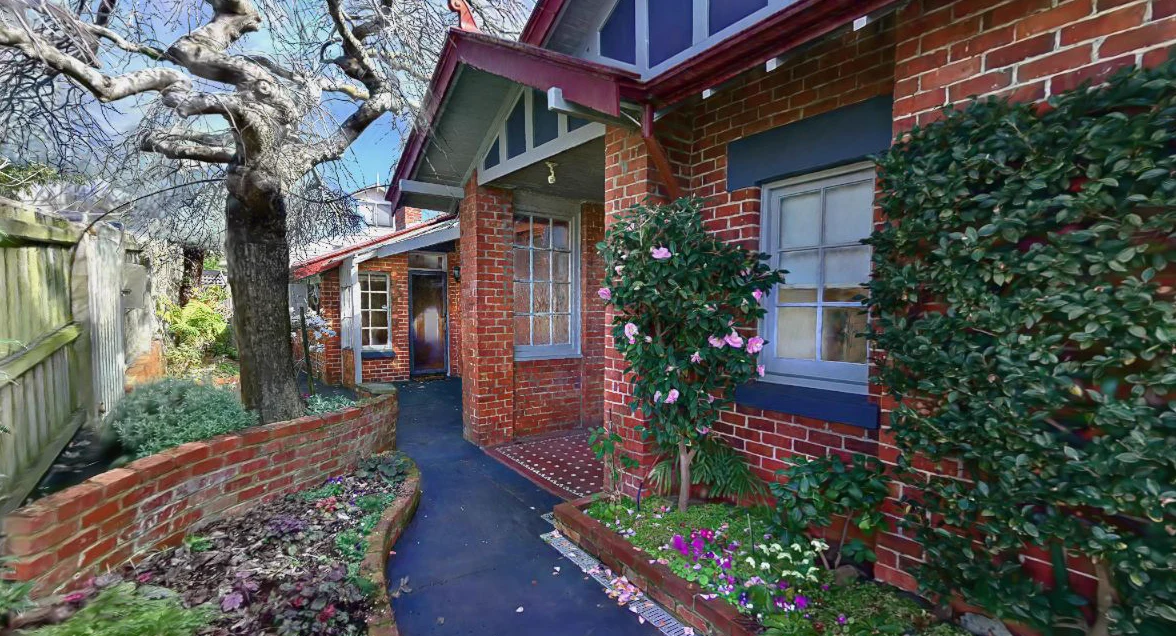
Glim SiteScope
Glimo
I’m your guide. Tap the Glim logo or scroll to follow me inside.
Walk
Glimo
One click on the path takes us to the door. Watch for the blue marker.
Gyro
Turn to look around.
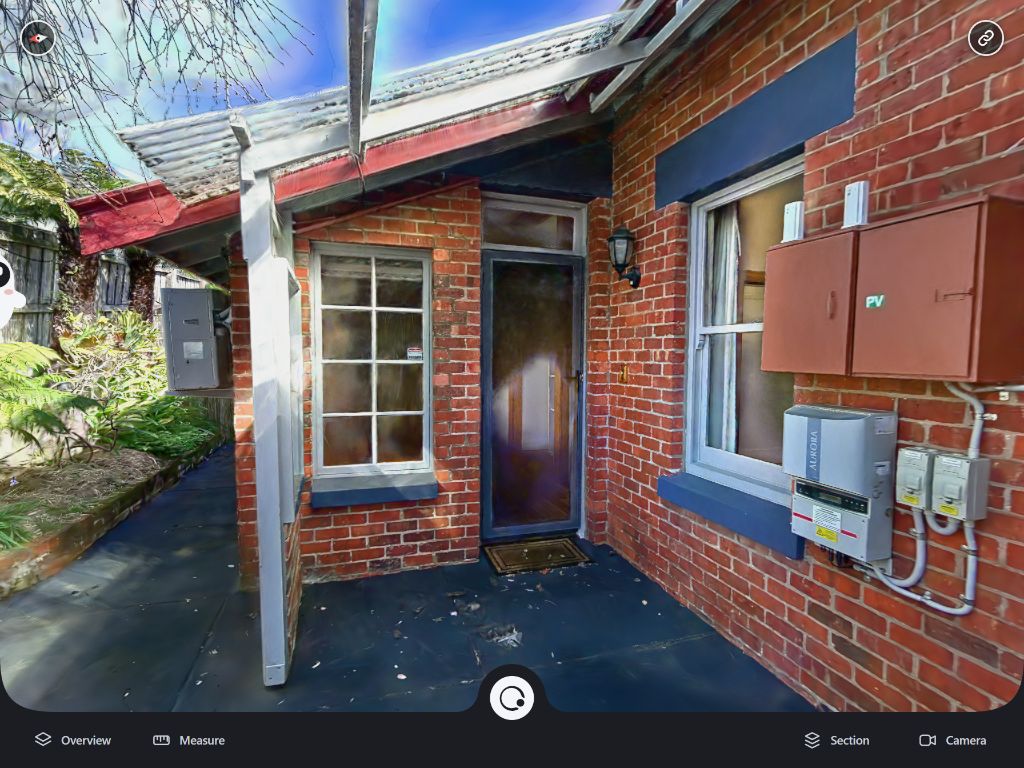
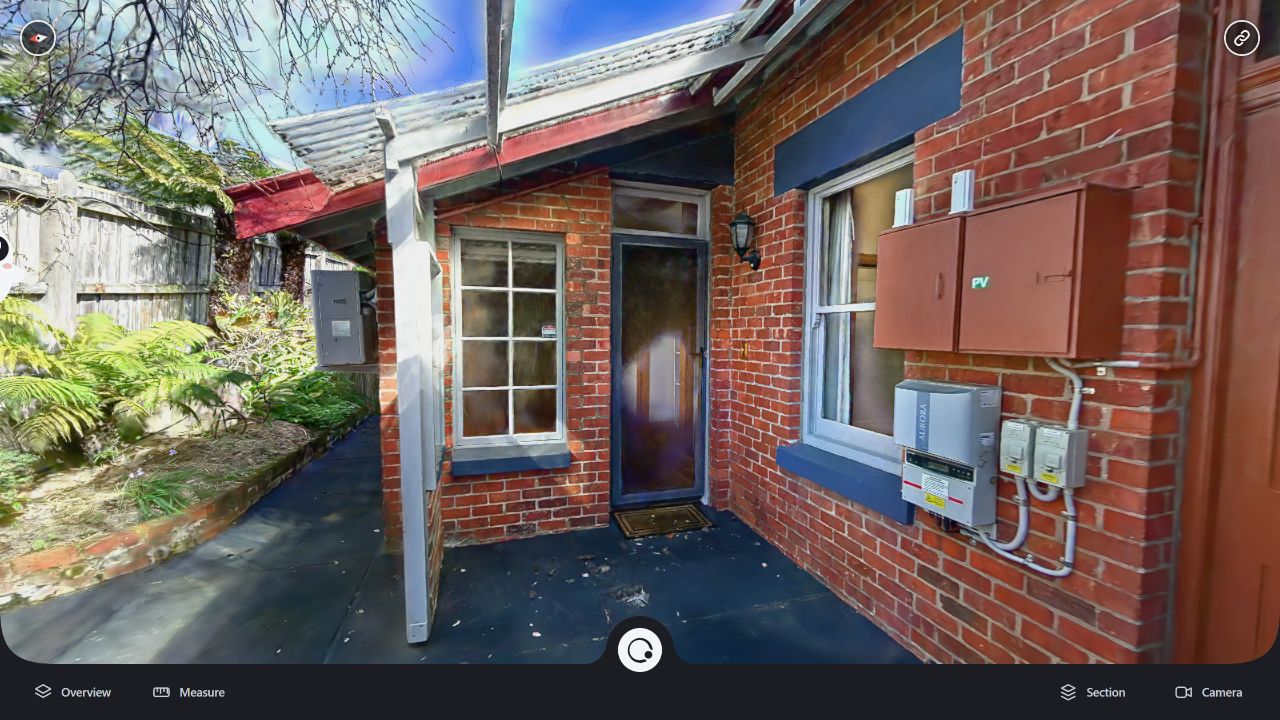
Turn your phone to explore the building our team scanned and see the courtyard at eye level.
Glimo
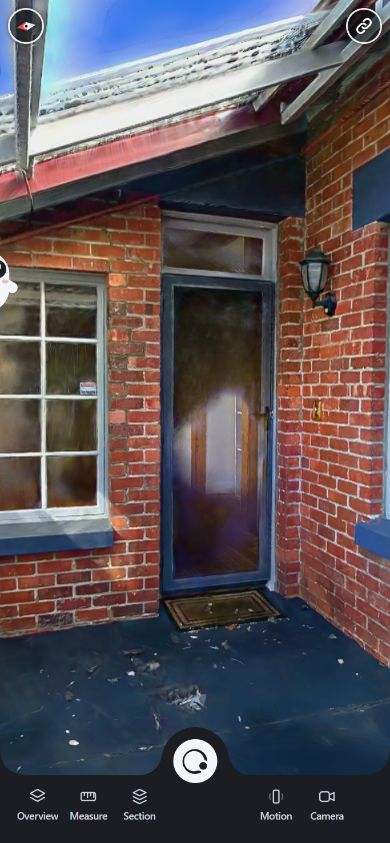
Try Motion and turn your phone a little. You can also drag the view or move the slider.
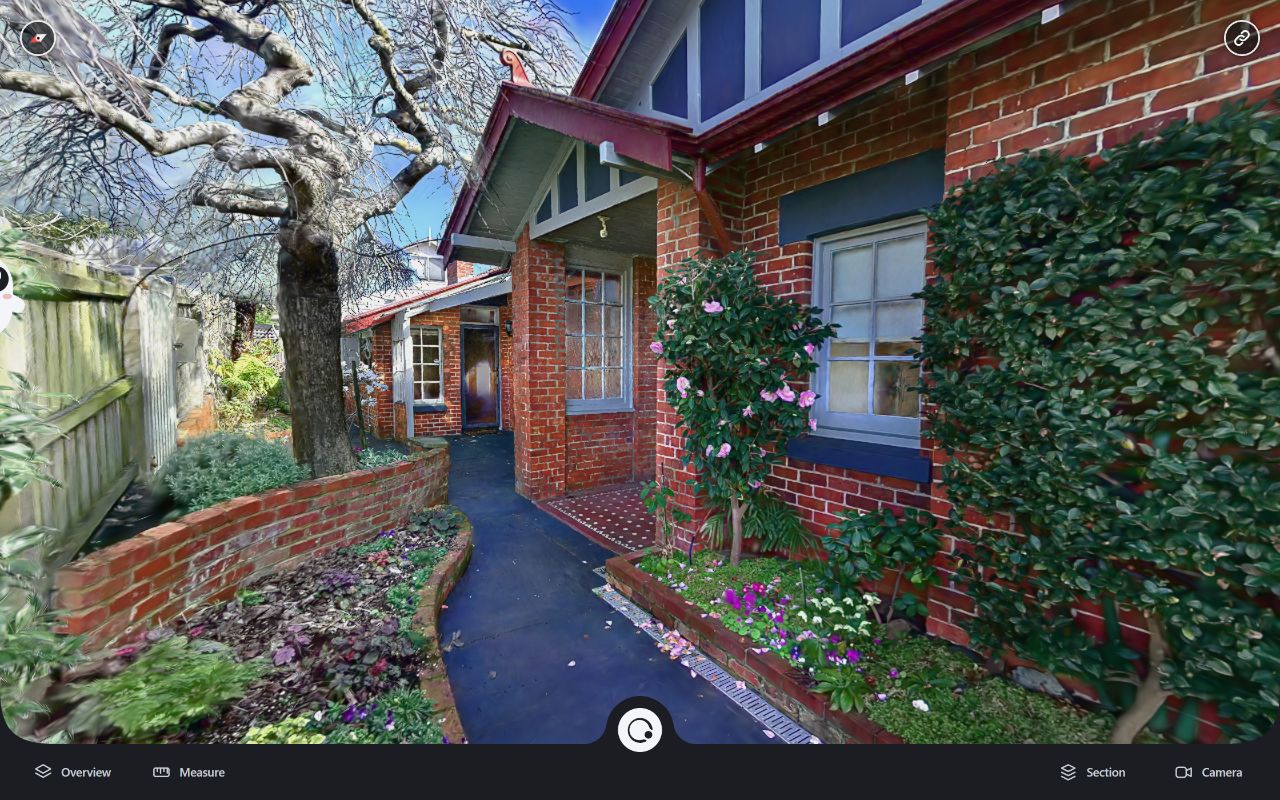
Courtyard capture · limited-angle preview
Floor plans
Glimo
See the LG and GF buttons? Switch floors to check the layout and read each room’s area.
Peel back the roof.
Glimo
Your turn. Drag the red handle to see what’s under the roof.
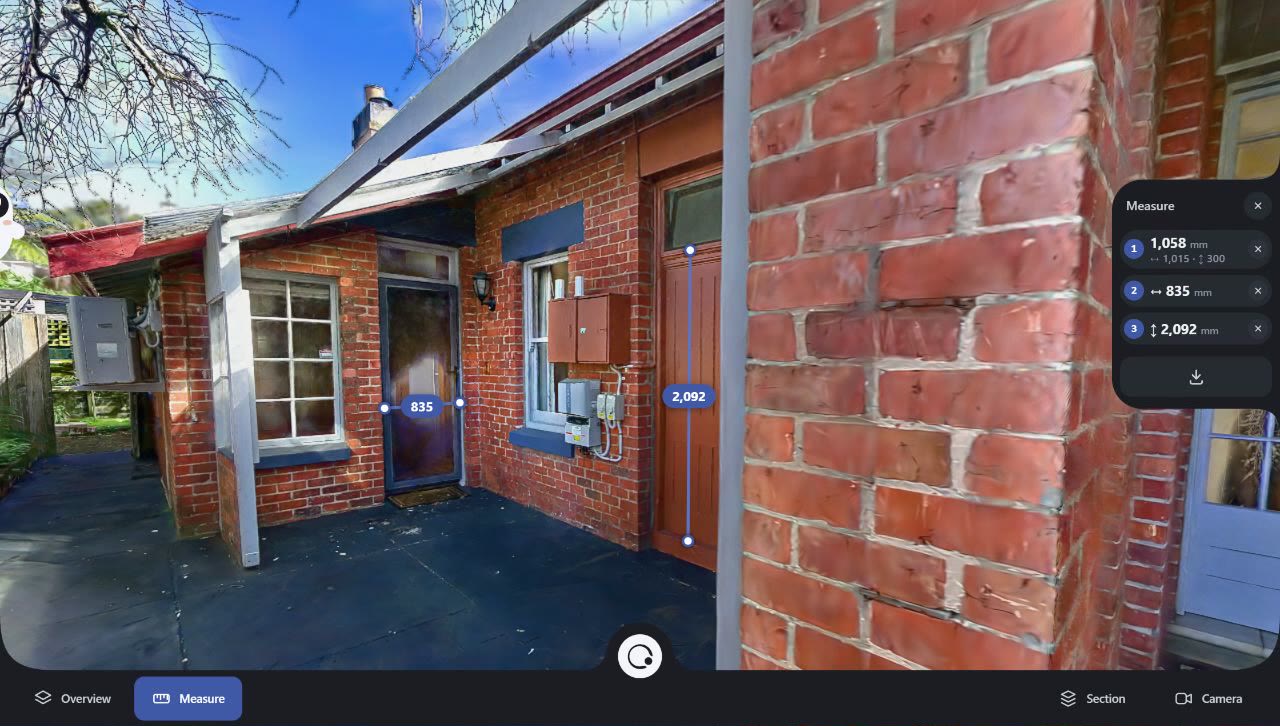
Measure in 3D.
Glimo
Watch us measure across the front door, then change angle to measure the side door.
See the first measurement stay put as we turn? Now we can measure the side door from here.
Contact us
Glimo
Tell us about the space you’d like to capture.